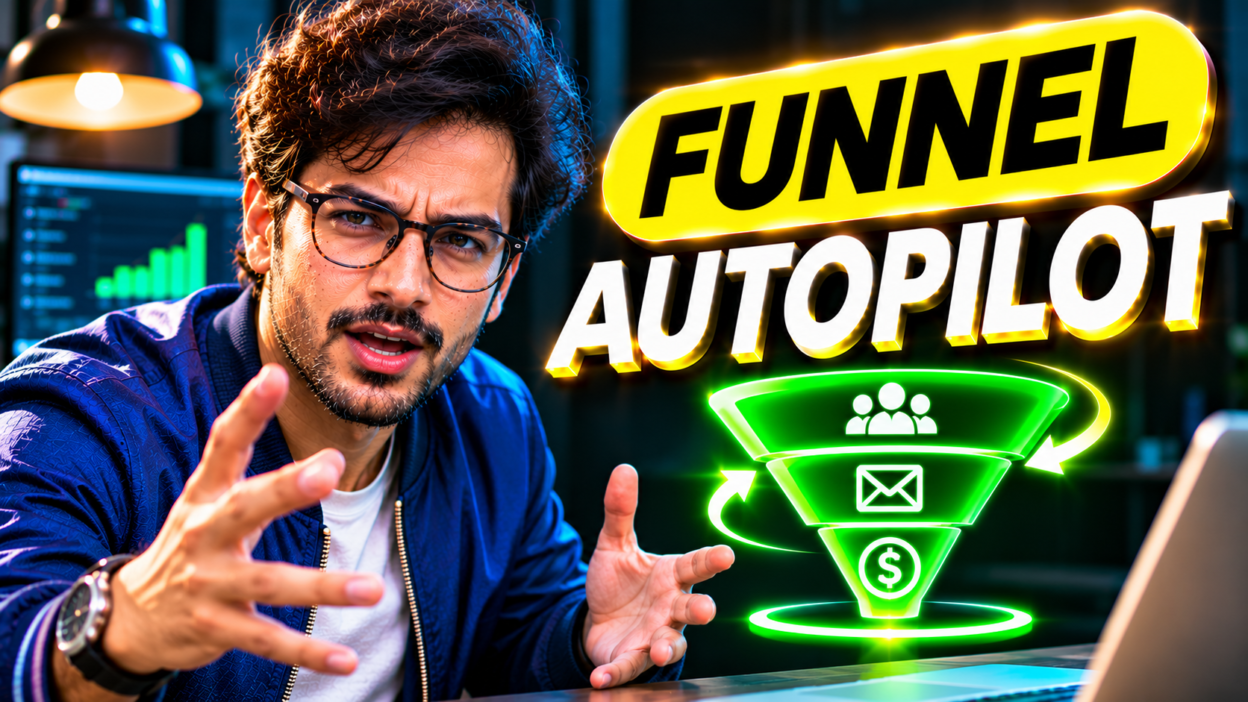
Behavioral funnel automation replaces fixed calendar drip emails with real-time messages triggered by what users actually do or skip inside your product. By tracking three core activation events, routing webhooks to your email platform, and branching sequences by intent, you convert free signups into paying customers automatically.
The Strategic Framework: Why Most Get This Wrong
- Fires Day 1, Day 3, and Day 7 emails regardless of whether the user logged in or finished setup.
- Blasts upgrade discounts to stalled signups who never even reached their first aha moment.
- Ignores high-intent signals like repeated pricing page views or hitting 80% plan usage.
- Sends identical onboarding copy to a solo browser and a ready-to-buy team lead.
- Listens for real product webhooks such as project_created, teammate_invited, or limit_reached.
- Suppresses redundant setup nudges the second a user completes that milestone in your app.
- Branches messaging automatically into stuck-user rescue flows or fast-track upgrade prompts.
- Routes product-qualified lead (PQL) alerts straight into your CRM and sales Slack channel.
Static time-based drips act like a tour guide reading from a clipboard even after half the group wandered into a different room. Imagine signing up for a new tool, connecting your billing in four minutes, and inviting two coworkers. Three days later, you get an automated email asking, “Need help getting started?” It immediately signals that nobody is paying attention.
The flip side hurts your revenue even more. When a trial user stalls on step two and closes the browser tab, a rigid calendar drip waits four days to follow up. By then, their urgency is gone and they have moved on to a competitor. Behavioral funnel automation fixes this by treating your funnel like a live state machine driven by three signal types: milestone completed, milestone missed within a time window, and buying intent fired.
Step-by-Step Implementation Blueprint
Step 1: Define Your Activation Formula and 3 Core Events
Most teams fail right at the start because they ask engineering to track forty random button clicks. You only need three anchor events to run a tight behavioral funnel: Account Created, Core Value Reached, and Buying Signal Fired. Measure your baseline first with a simple activation formula:
Activation Rate = (Users Completing Core Value Event Within 48 Hours / Total New Signups) x 100
For a B2B scheduling app, the core value event might be first_booking_link_shared. For an email tool, it is first_campaign_sent. If a user misses that single milestone within 24 hours of signup, they do not need a newsletter about advanced analytics. They need a 60-second fix for the exact roadblock in front of them.
Step 2: Pipe Clean Webhook Payloads Into Your Messaging Layer
Once your three events are defined, send them server-side (or via your analytics router) to your email and automation hub. Include the missing step right inside the JSON payload so one dynamic workflow can handle multiple user states without turning into spaghetti logic:
{
  "event": "aha_milestone_missed",
  "user_id": "usr_94821",
  "email": "maya@acme.co",
  "plan_tier": "free_trial",
  "hours_since_signup": 24,
  "completed_steps": ["account_created"],
  "missing_step": "first_workflow_published"
}
The magic trick here is adding a global exit condition on your onboarding campaign. Whenever your messaging tool receives aha_milestone_completed for that user_id, it immediately exits the user from all setup reminders and promotes them to the value-expansion track.
Step 3: Deploy State-Aware Copy (With Proven Snippets)
Your copy should sound like a sharp teammate sitting next to the user, not a generic marketing broadcast. Keep these two high-converting templates in your playbook:
Template A: The 24-Hour Stuck-User Rescue (Plain Text)
Subject: Quick shortcut for your {{missing_step}} setup
Body: “Hey {{first_name}}, noticed you created your workspace yesterday but haven’t published your first workflow yet. Most folks get stuck choosing a starter trigger, so I put together a 90-second template you can clone in one click: [Direct Deep Link]. If something broke on your end, just hit reply and tell me where you paused.”
Template B: The Peak-Intent Upgrade Nudge (Triggered at 80% Quota)
Subject: You’re almost at your trial limit
Body: “Hey {{first_name}}, quick heads up that your workspace just crossed 80% of its monthly volume. You’ve already automated 410 tasks this week, which means the setup is clearly working for your team. Upgrade before Friday to lock in uninterrupted runs and unlock team permissions: [One-Click Checkout Link].”
Step 4: Sync Behavioral Triggers With Lead Scoring and Sales Alerts
Self-serve checkout handles solo buyers, while high-ticket accounts often need a quick conversation before pulling out a corporate card. Instead of guessing who to call, feed your product events into a scoring pipeline like the one in our Automate Lead Scoring in n8n: The Zero-Cost Blueprint guide. When an account hits key thresholds, such as inviting two teammates and visiting the enterprise pricing page twice, fire an immediate notification using our Speed to Lead Webhooks: Sub-60-Second Routing Blueprint so a rep reaches out while the buyer is actively logged in.
Practical Funnel Trigger Cheat Sheet
Use this compact matrix to map your core behavioral triggers, timing windows, and exit rules before building inside your automation canvas.
| Trigger Event | Wait Window | Automated Action | Primary Goal |
|---|---|---|---|
| Signup without setup | 24 hours | Send 1-click template | Recover stalled trials |
| Aha milestone hit | Immediate | Suppress setup emails | Protect user trust |
| 80% quota reached | Immediate | Send ROI upgrade pitch | Capture peak intent |
| Pricing viewed 2x | 15 minutes | Slack alert + personal note | Close B2B upgrades |
| 7 days inactive | Day 7 | Offer done-for-you setup | Revive dormant leads |
Recommended Tools & Resources
You do not need an expensive enterprise stack to launch behavioral funnel automation. Pick tools that handle real-time JSON events cleanly without charging painful per-contact fees:
- Customer.io or Loops: Built specifically for event-driven SaaS and product-led funnels. Both support native webhook triggers, user attribute branching, and instant suppression goals out of the box.
- ActiveCampaign or HubSpot: Strong choices if you run a hybrid funnel where email behavioral triggers need to update CRM deal stages and assign human sales tasks.
- PostHog or Mixpanel: Great for tracking your activation formula and firing clean webhook actions whenever a cohort crosses a usage milestone.
- n8n: The ideal open-source workflow engine to catch raw app webhooks, format payloads, and push alerts to Slack or your ESP with zero per-task markups.
Frequently Asked Questions
What is the difference between drip campaigns and behavioral funnel automation?
A drip campaign sends pre-written emails on a fixed schedule, like Day 1, Day 3, and Day 7, no matter what the subscriber does. Behavioral funnel automation listens for live actions, such as completing setup, hitting usage caps, or going silent, and adapts every message and timing delay around the user’s real progress.
How many product events do I need to track to get started?
Start with just three events: Account Created, Core Activation Milestone Completed, and High-Intent Buying Signal. Tracking too many micro-interactions early on creates maintenance headaches without improving conversion rates. Expand to secondary features only after those three core triggers are converting cleanly.
How do I avoid spamming users with too many triggered emails?
Set strict frequency caps and cooldown windows inside your messaging platform, such as limiting promotional or nudge emails to one message every 24 hours per user. Also assign priority tiers so a high-intent upgrade alert or failed payment notice always pauses lower-priority educational tips.
Can behavioral funnel automation work for service or B2B businesses without a SaaS app?
Yes. Instead of in-app product events, trigger workflows from website and funnel behaviors like clicking a case study link, watching 75% of a VSL, abandoning a calendar booking form, or viewing a sent proposal twice. Those intent signals work the exact same way inside tools like ActiveCampaign, HubSpot, or n8n.