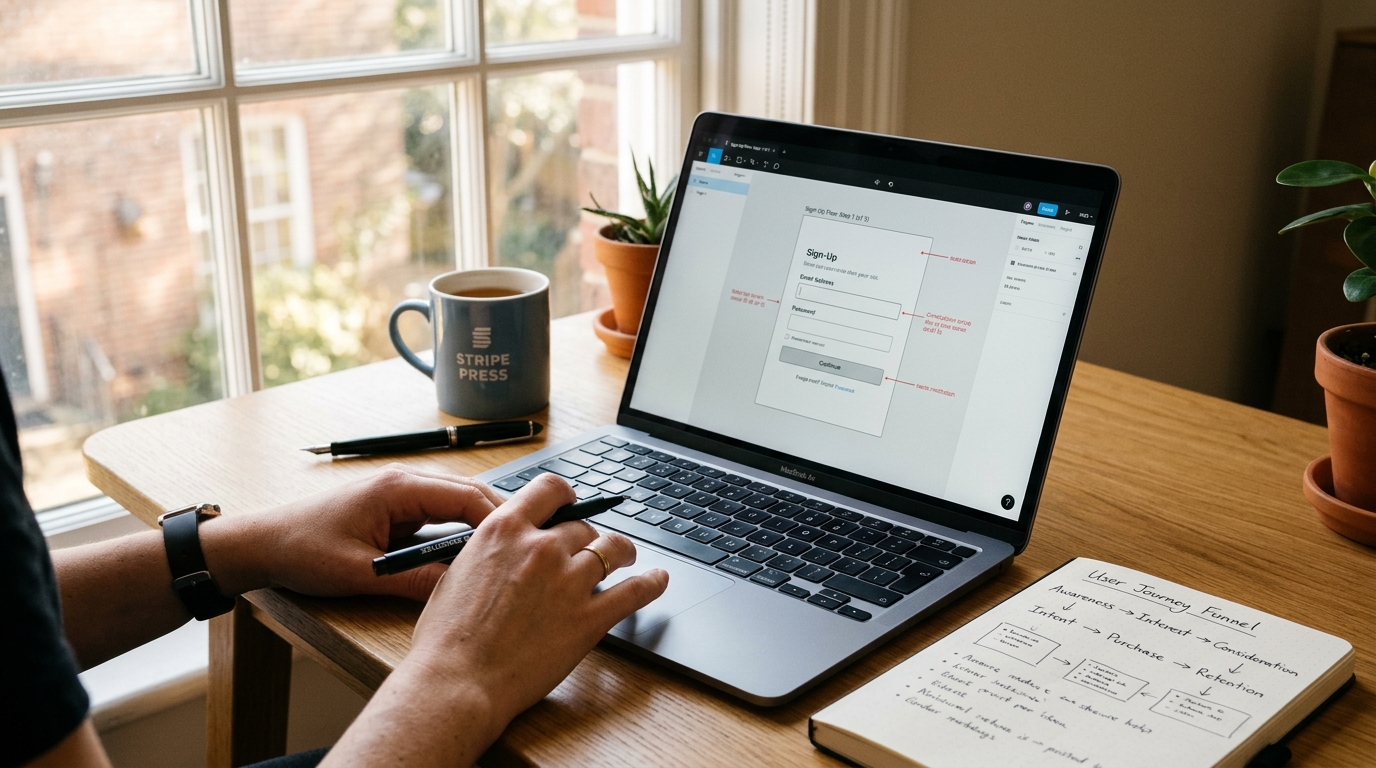


A conversion-focused landing page layout guides visitor attention down a single logical decision path: an intent-matching hero section, immediate trust validation, problem-solution feature blocks, risk-reversal offer architecture, and a focused closing call to action. Eliminating competing navigation links and cognitive friction systematically lifts conversion rates by 25% or more.
The Strategic Framework: Why Most Layouts Bleed Conversions
Most designers build websites to win design awards, not to generate pipeline. They pack the page with floating 3D spheres, animated scroll-jacking, and cute headlines that leave visitors wondering what the product actually does. When someone lands on your site from an ad or search result, their brain is running on low-battery mode. They scan; they do not read novels.
When a page forces visitors to hunt for pricing, squint at faint gray body copy, or decode abstract buzzwords, they leave. That bounce is not bad luck. It is bad information architecture. High-converting layouts respect cognitive load. Every section, margin, and button exists to answer three subconscious questions within five seconds: What is this? What does it do for me? What do I do next?
If you have struggled with sleek designs that produce flatline sales numbers, review our guide on how to Elevate Your Website Design: Transforming Amateur Sites into Professional Masterpieces to spot visual clutter before rebuilding your layout around the blueprint below.
Step-by-Step Implementation Blueprint
Build your page using this battle-tested five-block architecture. Each block handles one specific psychological stage of the buying decision.
Step 1: The Frictionless Hero Section
Your hero container must pass the five-second squint test. Blur your eyes and look at the screen: the headline and primary action button should still be the most obvious elements in sight.
- The Value Proposition Headline: State the exact outcome your user wants. Use the formula: [Desired Result] + [Timeframe or Specific Mechanism] + [Without the Primary Pain Point]. Example: “Launch Your Custom Client Portal in 48 Hours Without Writing Backend Code.”
- Supporting Microcopy: Keep it under 25 words. Clarify target audience and deliverable mechanics.
- Primary CTA & Micro-Commitment: Use high-contrast button styling with first-person, value-driven text (e.g., “Get My Free Audit” instead of “Submit”). Add a low-friction reassurance note right below the button, such as “No credit card required • Takes 90 seconds.”
- Contextual Hero Visual: Replace generic stock photos of smiling models in glass offices with an actual screenshot of your product interface or client deliverable in action.
Step 2: Instant Authority and Social Proof Stacking
Directly beneath the hero fold, place proof that stops skepticism in its tracks. Do not hide client logos down near the footer where nobody scrolls.
- The Trust Strip: Display monochrome client logos, industry certifications, or verified review badges (Trustpilot, G2, Google Reviews) across a single horizontal row.
- Quantified Impact: Use concrete numbers rather than vague statements. “Trusted by 4,200+ agencies managing $12M in ad spend” beats “Loved by businesses worldwide” every single time.
Step 3: The Pain-Agitate-Solve Feature Blocks
Never present features as a boring bulleted list. Structure your middle sections as alternating two-column rows (Z-pattern layout) that pair an annotated UI graphic on one side with outcome-focused copy on the other.
For each block, apply this micro-structure:
- Eyebrow Tag: A two-word category marker (e.g., “Automated Invoicing”).
- Benefit Headline: Focus on what the user gains (e.g., “Reclaim 8 Hours Every Monday Morning”).
- Operational Proof: Two short sentences detailing how the feature eliminates human error or manual busywork.
- Pull Quote: A one-sentence customer endorsement tied directly to that specific capability.
If your typography or spacing feels dense here, revisit our breakdown of 7 Easy Web Design Tips to Instantly Polish Your Website (With Before & After Examples) to give your copy sufficient breathing room.
Step 4: Risk-Reversal Offer Architecture
Whether you sell subscription software, physical kits, or consulting packages, this section must eliminate hesitation at the point of purchase.
- Visual Tier Anchoring: If offering multiple tiers, visually pop the target package with a contrasting border, a “Most Popular” flag, and an expanded drop shadow.
- Transparent Value Breakdown: List exact deliverables with green checkmarks. Cross out irrelevant features for lower tiers so users understand why the middle or top tier gives them the best return.
- Explicit Guarantee Box: Display an explicit 30-day money-back guarantee or milestone promise. Outline precisely how refunds work so buyers feel zero downside risk.
Step 5: The Inescapable Closing Call to Action
By the time visitors reach the bottom of the page, they are either convinced or ready to bounce. Do not give them links to your blog, your social channels, or your team directory.
- Single Focused Goal: Mirror the exact primary CTA from your hero container.
- Overcome Lingering Doubts: Add a bulleted three-point recap right next to the button: instant access, cancel anytime, and dedicated onboarding support.
- Clean Footer: Limit footer links strictly to Privacy Policy, Terms of Service, and direct support contact info. Remove all social media icons that pull users away into endless feeds.
Practical Checklist: The Conversion UX Cheat Sheet
Use this reference table during your next wireframe review to catch conversion leaks before pushing changes live to production.
| Page Element | Costly UX Mistake | High-Converting Replacement | Impact Level |
|---|---|---|---|
| Hero Header | Abstract slogans (“The Future of Growth”) | Outcome-based proposition (“Collect Client Payments 3x Faster”) | Critical |
| Navigation Bar | 7+ navigation links plus external social icons | Stripped header with only logo, login, and primary CTA button | High |
| CTA Button | Low-contrast neutral button reading “Submit” | Vibrant accent color with action verbs (“Claim Your Spot Now”) | Critical |
| Testimonials | Vague praise without avatars (“Great service! • John”) | Specific metrics, full client names, headshots, and company roles | High |
| Form Fields | Demanding phone number, company size, and job title upfront | Single-field email input or two-step progressive profiling form | High |
| Mobile Layout | Oversized decorative banners pushing CTA past scroll-depth | Sticky bottom CTA bar with clear thumb-zone button placement | Critical |
Recommended Tools & Resources
Executing high-converting layouts requires tools that combine design precision with fast loading speeds and reliable visitor tracking:
- Figma: The gold standard for wireframing conversion components, mobile thumb-zones, and interactive desktop prototypes before writing code.
- Hostinger Cloud Hosting: Slow load times ruin conversion rates. Every second of delay shaves 7% off your numbers. Hostinger offers fast NVMe storage and integrated LiteSpeed caching to ensure your media-rich landing pages load in under 800 milliseconds.
- Hotjar or Microsoft Clarity: Free session recording and heatmap tools to spot exactly where visitors pause, get confused, or abandon your checkout funnel.
- Elementor Pro / WordPress: Ideal for non-technical teams looking to rapidly build, test, and swap landing page sections without waiting on developers.
Frequently Asked Questions
What is the single most common reason visitors abandon a landing page?
Cognitive friction from mixed messaging. When your hero headline does not immediately match the ad, link, or email copy that brought the user there, visitors experience cognitive disconnect and click back to safety. Keep your messaging continuity airtight.
No. Traditional website navigation menus encourage wandering. A landing page has one objective: guide the visitor toward your single call to action. Remove header menus, breadcrumbs, and outbound links so there is only one clear path forward.
For a standard long-form page, place your primary CTA between three and five times: inside the hero section, after your primary social proof block, below your pricing grid, and within your closing footer block. On mobile screens, implement a subtle sticky bottom bar that keeps the button accessible regardless of scroll position.
\n\n