

Broadcast subject line formulas succeed by pairing curiosity gaps, specific numbers, or conversational urgency with direct reader relevance. The most effective framework relies on three levers: low cognitive friction under 50 characters, natural lower-case phrasing, and seamless continuity with the preview text to maximize inbox opens.
The Strategic Framework: Why Most Broadcast Subject Lines Fail
Broadcast emails are fundamentally different from automated behavioral triggers like welcome flows or abandoned cart sequences. When someone abandons a cart, their intent is fresh. When you send a broadcast, you are interrupting your subscriber’s day out of the blue. You are competing with their boss, family group chats, receipt notifications, and dozens of other promotional newsletters.
Most senders struggle with broadcasts because they suffer from Newsletter Headline Syndrome. They treat their subject line like a high school essay title or a polished newspaper header. Phrases like “Issue #42: Weekly Tips on Marketing Growth” fail because they signal instant work. The human brain filters out mental load.
To win the open, treat your subject line as an invitation to read line one, not a summary of the whole message. You do not need to explain everything in 40 characters. You simply need to build enough honest intrigue that leaving the email unread creates an itch.
Top email operators focus on three rules before hitting send:
- Write to a single friend: If you would not text or email it to a colleague, do not send it to 50,000 subscribers.
- Treat preview text as the second half of the joke: A subject line creates the tension; the snippet text deepens the curiosity or establishes context.
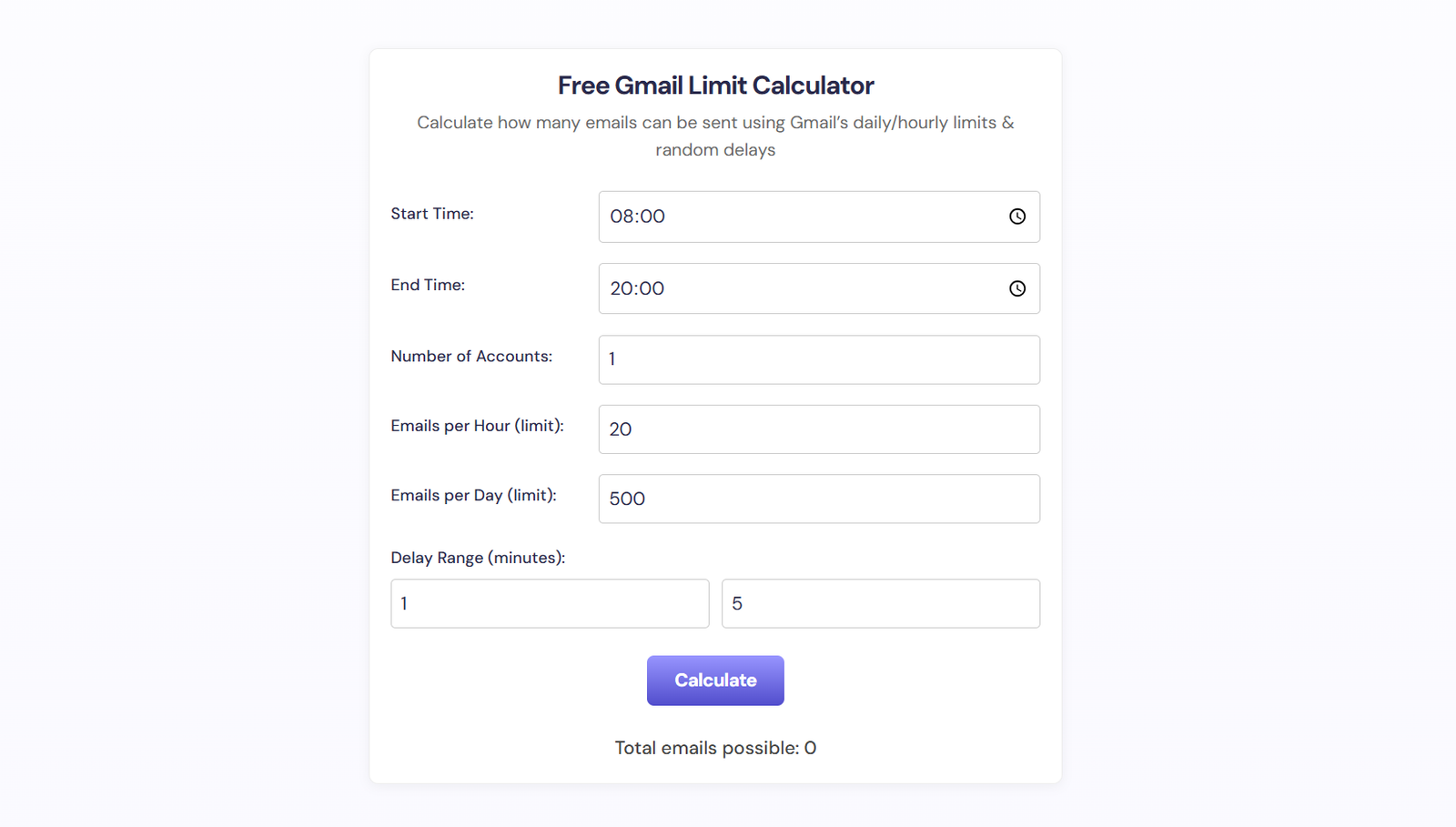
- Protect your deliverability: Even the sharpest copy will bomb if your technical setup sends you to the Promotions tab or spam folder. If you send broadcasts from custom setups or Google Workspace domains, verify your daily sending capacity using our Free Gmail Limit Calculator: Optimize Your Email Send Limits to prevent silent rate-limiting.
Step-by-Step Implementation Blueprint: 7 Proven Formulas
Here are seven proven broadcast subject line formulas built on tested psychological hooks. Rotate these frameworks across your weekly broadcasts to keep your list engaged without sounding repetitive.
1. The Casual Peer Whisper
The Formula: [1-3 lowercase words that look like an internal memo or friend ping]
Why it works: Inboxes are flooded with Title Case Headlines That Scream Promotion. When an all-lowercase, short phrase lands between two corporate newsletters, it immediately catches the eye because it looks like a message from a teammate.
- Example 1: quick favor?
- Example 2: weird question for you
- Example 3: thought of your site
- Preview text pairing: “Had a look at your recent setup and spotted one small issue.”
2. The Specific Number + Pain Reliever
The Formula: [Exact Odd Number] [Resource/Steps] to [Desirable Outcome] (Without [Common Headache])
Why it works: Specificity builds instant credibility. Odd numbers out-convert round numbers because they suggest a real, curated list rather than an arbitrary marketing roundup.
- Example 1: 3 email tweaks that cut unsubscribes (without redesigning)
- Example 2: 5 cold outreach templates that actually get replies
- Example 3: 7 ways to clean your list in 15 minutes
- Preview text pairing: “Number 4 saved our sales team six hours last Tuesday.”
3. The “Did You Hear About” Curiosity Loop
The Formula: Did you see what [Well-Known Brand or Competitor] just did?
Why it works: This borrows external brand recognition and leverages fear of missing out. Industry practitioners want to know what changes might impact their own market position.
- Example 1: Did you see Shopify’s new checkout change?
- Example 2: what Mailchimp just updated (heads up)
- Example 3: Why Google just flagged 40% of newsletter domains
- Preview text pairing: “If you send more than 5,000 emails a day, read this before tomorrow.”
4. The Contrarian Reality Check
The Formula: Stop [Common Best Practice] (Do [Alternative] Instead)
Why it works: It challenges conventional wisdom. When someone sees advice that directly contradicts what every guru tells them, they click to see whether they have been wasting time.
- Example 1: Stop cleaning your list every 30 days
- Example 2: Why long subject lines are beating 3-word hooks right now
- Example 3: The worst time to send your Sunday newsletter
- Preview text pairing: “Here is what our latest 250,000-subscriber split test showed.”
5. The Personal Confession or Blunder
The Formula: [My/Our] [Adjective] [Mistake/Experiment] (and what it cost us)
Why it works: Vulnerability is a rare currency in business marketing. Audiences love post-mortems because they allow them to learn expensive lessons on someone else’s dime.
- Example 1: My $14,000 deliverability mistake
- Example 2: We broke our checkout page yesterday
- Example 3: I almost deleted this broadcast
- Preview text pairing: “Here is the exact technical slip-up and how you can avoid it.”
6. The Direct Diagnostic
The Formula: Is your [Asset/Channel] suffering from [Specific Symptom]?
Why it works: It invites immediate self-assessment. If the recipient experiences the exact pain point mentioned, opening the email feels like self-defense.
- Example 1: Are your broadcasts stuck in the Promotions tab?
- Example 2: Is your welcome series leaking revenue?
- Example 3: Does your unsubscribe rate spike on Fridays?
- Preview text pairing: “Run this 2-minute diagnostic check to see where you stand.”
7. The Urgent Deadline or Cutoff
The Formula: [Action] closes in [Timeframe]: [Specific Reason]
Why it works: Clean urgency moves readers from passive bookmarking to immediate action. Never fake urgency; only use this when an actual deadline or scheduled event is expiring.
- Example 1: Workshop seats close in 4 hours
- Example 2: final call: early access pricing ends at midnight
- Example 3: closing the doors on cohort 4 tonight
- Preview text pairing: “After midnight the link expires and recordings will not be public.”
Practical Checklist: The Broadcast Subject Line Swipe Table
Keep this quick reference guide nearby whenever you are drafting your weekly broadcast campaigns:
| Formula Type | Ideal Character Count | Primary Psychological Trigger | Best Use Case |
|---|---|---|---|
| Casual Peer Whisper | 15 to 30 characters | Informality and novelty | Nurture updates, personal essays, quick checks |
| Specific Number + Pain Reliever | 35 to 55 characters | Predictable utility | Tutorials, playbooks, tool roundups |
| Did You Hear About | 30 to 45 characters | Social proof and fear of missing out | Industry news, trend breakdowns, hot takes |
| Contrarian Reality Check | 35 to 50 characters | Pattern disruption | Opinion pieces, case studies, paradigm shifts |
| Personal Confession | 25 to 45 characters | Radical transparency | Behind-the-scenes stories, failure breakdowns |
| Direct Diagnostic | 30 to 50 characters | Problem recognition | Audits, scorecards, high-ticket services |
| Urgent Deadline | 20 to 40 characters | Scarcity and loss aversion | Flash sales, cart closes, webinar reminders |
Recommended Tools and Resources
Crafting high-performing subject lines is easier when you support your intuition with the right software stack:
- Kit (formerly ConvertKit): Excellent for creators and solopreneurs running broadcasts. Its built-in A/B testing allows you to send two subject line variants to a 15% sample size and automatically push the winner to the remaining 85% after 4 hours.
- MailerLite: A budget-friendly email marketing platform featuring clean multivariate testing and detailed click maps that highlight how subscriber opens correlate with downstream clicks.
- SendCheckit Subject Line Tester: A specialized tool that grades your subject line against scannability, reading grade level, sentiment, and length constraints on mobile viewports.
- GlockApps: An essential inbox placement test that sends your draft to test seed lists across Outlook, Yahoo, and Google, telling you whether your chosen wording triggers automated spam filters.
Frequently Asked Questions
Here are clear answers to the most common questions email marketers ask about broadcast subject lines.
\n\n