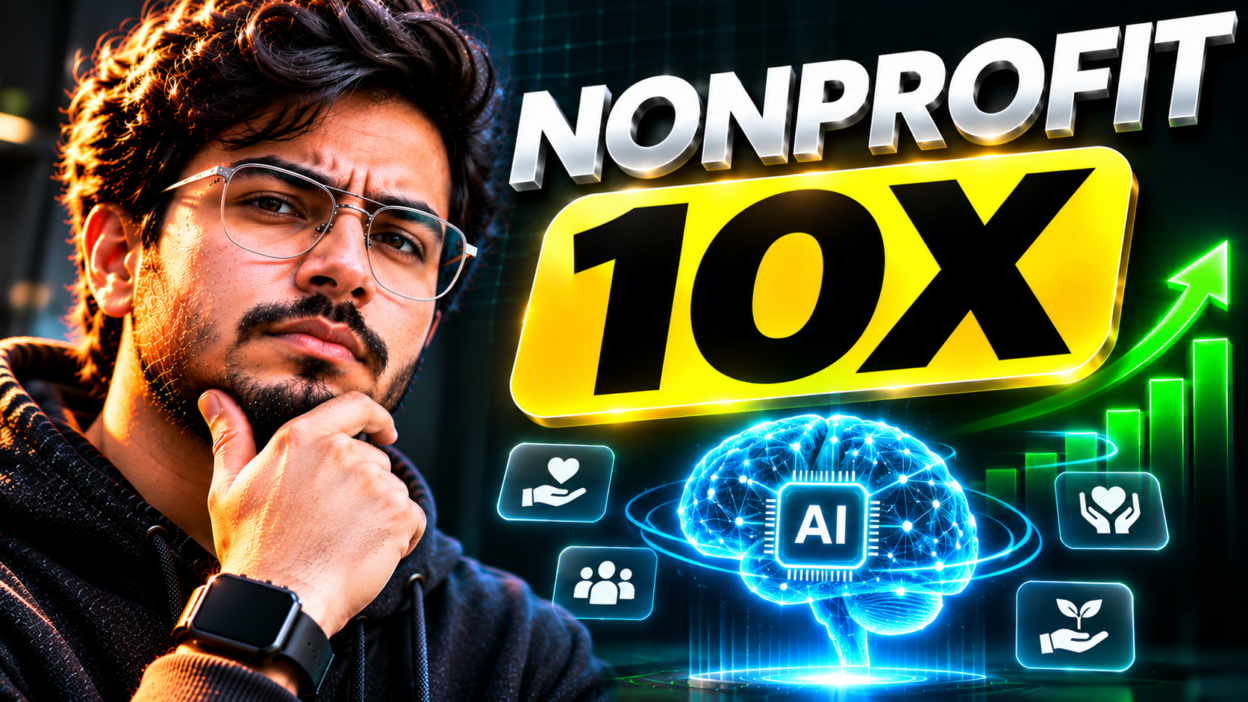
At a recent summit in Pittsfield, Massachusetts, community leaders and nonprofit staff gathered to tackle a shared problem: how to do more good with fewer resources. The event showed that accessible AI tools can slash admin hours, write better grant drafts, and streamline donor communication without huge tech budgets.
Key Takeaways From the Pittsfield Summit
- Lean teams benefit first: Small organizations with limited staff gain the biggest percentage boost from simple automation and drafting tools.
- Accessible tech wins: Attendees focused on practical platforms like ChatGPT, Claude, and NotebookLM rather than expensive enterprise software packages.
- Core use cases: Grant proposal outlines, event recap drafting, donor thank-you notes, and messy spreadsheet cleanup took center stage.
- Human oversight remains mandatory: Community leaders stressed that sensitive donor records and community trust require strict privacy guardrails.
Why Local Nonprofits Are Turning to AI
Most community nonprofits run on shoestring budgets. Executive directors frequently juggle grant compliance, volunteer schedules, social media posts, and board reports all in the same afternoon. When your daily schedule feels like a firefighter drill, spending twenty hours on a single grant narrative means neglecting on-the-ground services.
The summit at Berkshire Community College brought this reality into clear focus. Instead of talking about theoretical tech trends, presenters demonstrated how frontline teams can use conversational AI as an extra administrative hand. Much like how AI adoption surged across rural communities in Nebraska, local grassroots groups in western Massachusetts are proving that automation is not reserved for well-funded startups. It is solving everyday bottlenecks in local soup kitchens, arts centers, and literacy programs.
Practical Workflows Highlighted at the Event
What did the summit attendees actually experiment with? The focus remained squarely on low-cost, high-return workflows that any staff member can pick up in an hour.
1. First-Draft Grant Writing and Alignment
Writing grant proposals is notorious for draining staff hours. Participants learned how to feed past successful proposals and grant guidelines into an AI workspace to create structured outlines. By prompting the model to map organizational programs directly against specific funding criteria, writers cut their drafting time in half while keeping the focus on authentic local impact.
2. Knowledge Management and Internal Research
Nonprofits often sit on years of PDFs, survey findings, and meeting minutes that nobody has time to search through. Notebook-style AI tools allow staff to drop in internal documents and ask direct questions, such as summarizing regional poverty statistics or extracting volunteer feedback from last year’s fundraisers.
3. Personalized Donor and Community Outreach
Generic email blasts rarely inspire supporters. Speakers demonstrated how teams can turn raw bullet points into warm, tailored thank-you letters and newsletter updates. We are seeing this trend accelerate across the broader sector. As software providers catch on, such as when Intuit launched custom financial AI for nonprofits, small charities are gaining access to tools that make financial reporting and donor accountability far simpler.
Comparing Everyday AI Tools for Nonprofits
| Tool | Primary Use Case | Best Benefit |
|---|---|---|
| ChatGPT / Claude | Drafting grant narratives and donor emails | Fast first drafts and tone adjustments |
| NotebookLM | Interrogating internal PDFs and past reports | Strict source citations without hallucinations |
| Otter / Fireflies | Transcribing board and committee meetings | Automated action items and clean summaries |
The Pros and Cons of AI in Charitable Work
While the mood in Pittsfield was enthusiastic, seasoned nonprofit directors also brought plenty of healthy skepticism to the table.
The Upsides
- Massive time savings: Routine paperwork that once ate up full workdays now takes minutes to assemble.
- Better grant turnaround: Smaller teams can apply for more niche grants that they previously skipped due to lack of staff bandwidth.
- Level playing field: Small rural charities can produce polish comparable to multi-million-dollar foundations.
The Downsides
- Privacy hazards: Pasting identifying client data or confidential donor lists into public AI models violates privacy and breaches community trust.
- The generic voice trap: Over-relying on automated copy can strip away the personal passion that motivates donors to give.
- Hallucinations: Models can invent statistics or misquote budget figures if prompts are not audited carefully by human eyes.
Practical Tips Before You Roll Out AI in Your Organization
If your team wants to get started, do not attempt to overhaul everything on day one. Pick one repetitive task that everyone dreads, such as summarizing long advisory committee meetings or reformatting volunteer applications. Draft a simple one-page usage policy that clearly states staff should never input names, personal records, or proprietary financial accounts into public models.
AI will never replace the heart, empathy, and personal relationships that sustain charitable work. But as the leaders in Pittsfield demonstrated, it can handle the bureaucratic drag so your team can spend more time out in the community where it matters most.
Frequently Asked Questions
What was the Pittsfield AI summit for nonprofits?
It was a regional workshop hosted at Berkshire Community College where local charity directors, organizers, and nonprofit staff gathered to learn practical, low-cost AI applications for administrative work, grant tracking, and community outreach.
Can small nonprofits use AI safely without violating donor privacy?
Yes, provided organizations set clear internal rules. Staff should never paste donor names, credit card details, client records, or private addresses into public AI chatbots. Always scrub documents of personal details before analysis.
Which AI tools are best for small charitable teams?
General conversational tools like ChatGPT and Claude handle first drafts and communications well, while tools like Google NotebookLM excel at querying internal annual reports and research without making things up.
Does using AI hurt the quality of grant proposals?
Only if you submit unedited machine text. Grant evaluators easily spot robotic prose. The best approach is using AI to build outlines and identify gaps, while letting human staff write the final narrative and emotional appeals.